
Why internet stays on the list when load shedding starts
Most people think first about lights and fridges during outages, but internet is often the first work tool that gets missed. A router, fibre box, small switch and a few phones may not draw a lot of power, yet they are what keep a household connected and a small business open for orders, banking and customer updates.
For many Pretoria, Centurion and Johannesburg properties, the problem is not only load shedding. Weak grid supply, brief outages after storms, and nuisance trips at the distribution board can all interrupt connectivity. If your internet connection dies, your staff cannot process deliveries, your family cannot stream classes or messages, and if you run a small office, even a short outage can throw off the whole day.
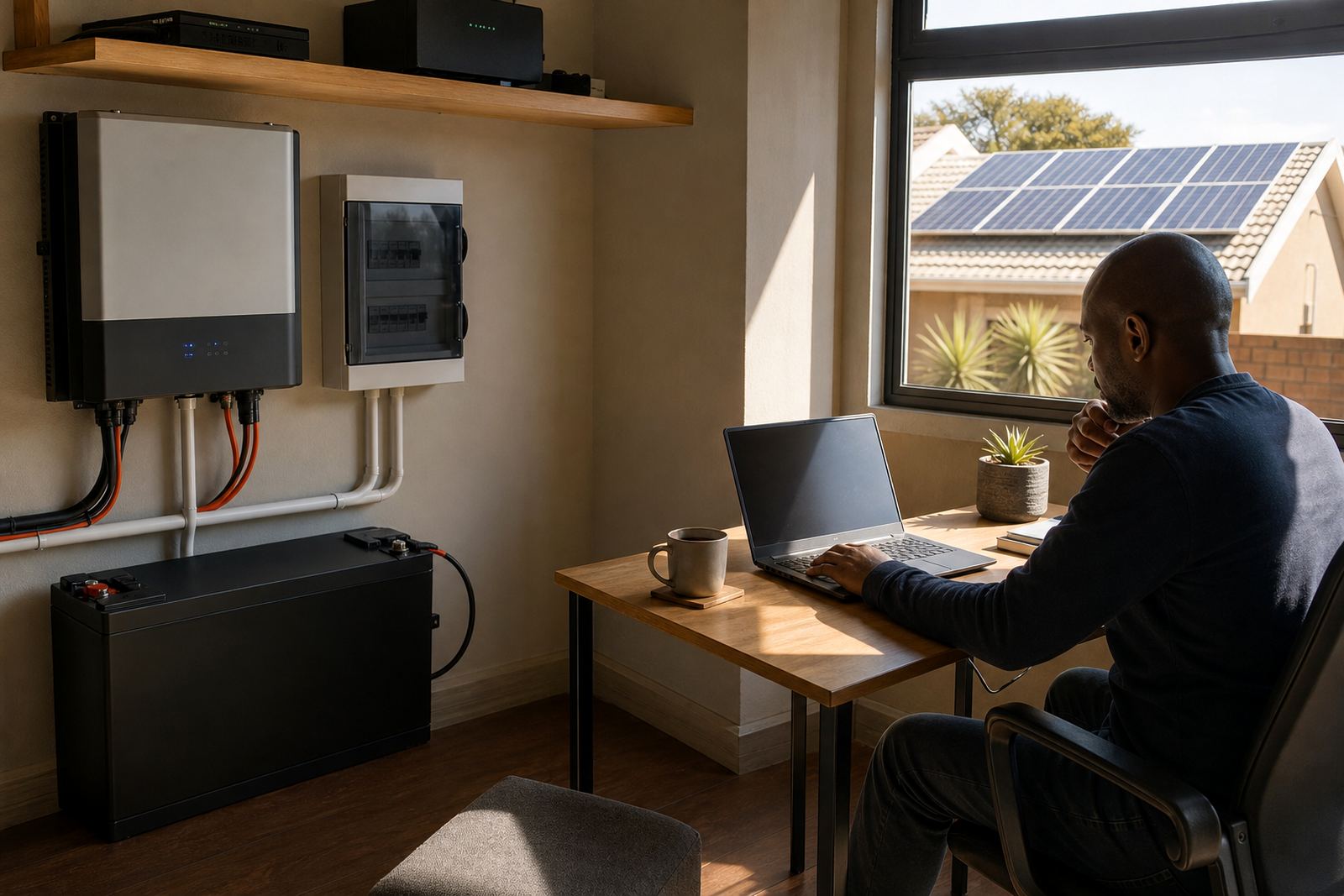
A solar system is not only for heavy appliances. It can be sized to support a lighter backup load, which is often the most practical place to start. That may include a router, a fibre terminal, a laptop, a CCTV recorder and a few charging points. The aim is to keep the communication side of the property going, even if the rest of the house is on limited supply.
What a practical backup setup usually includes
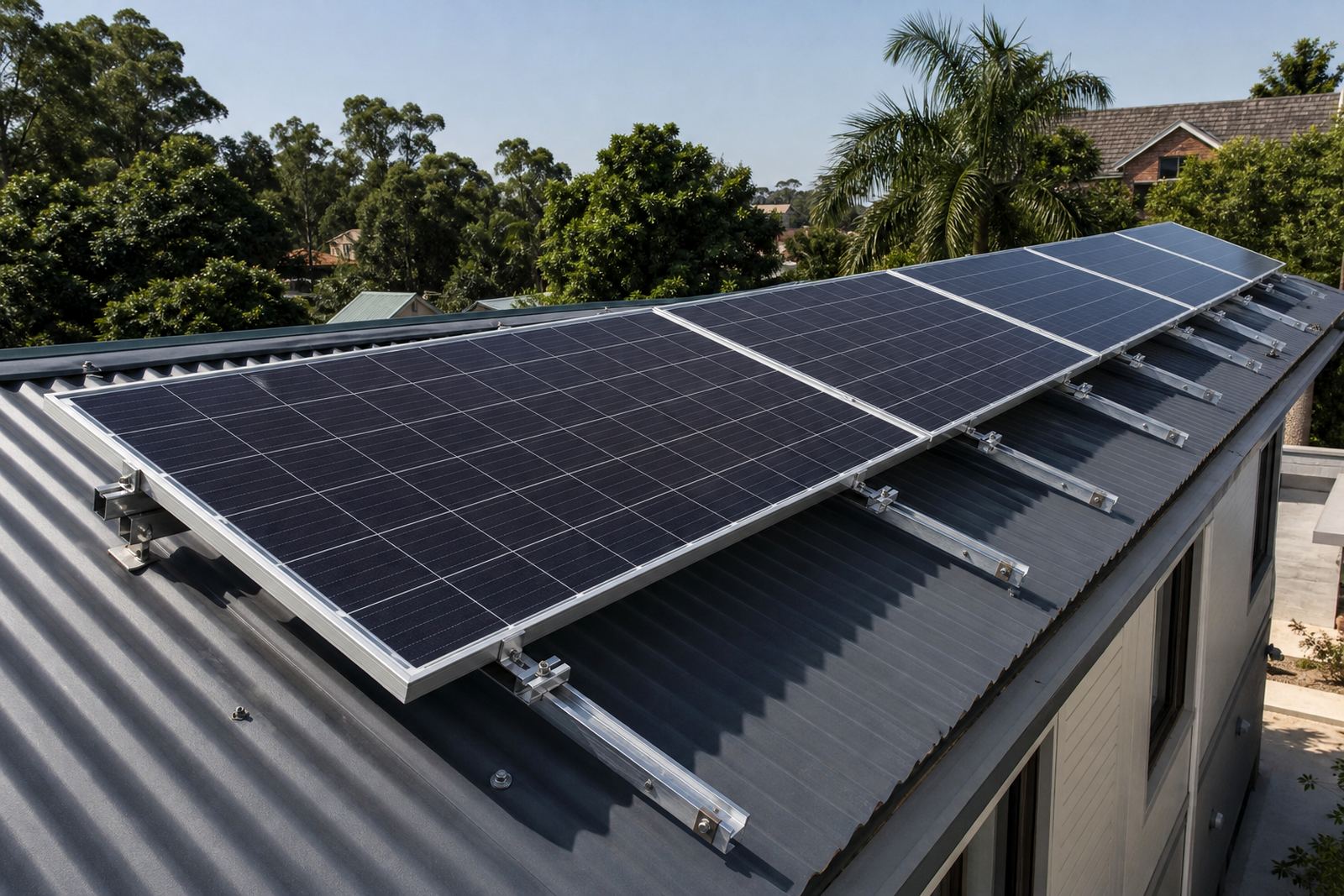
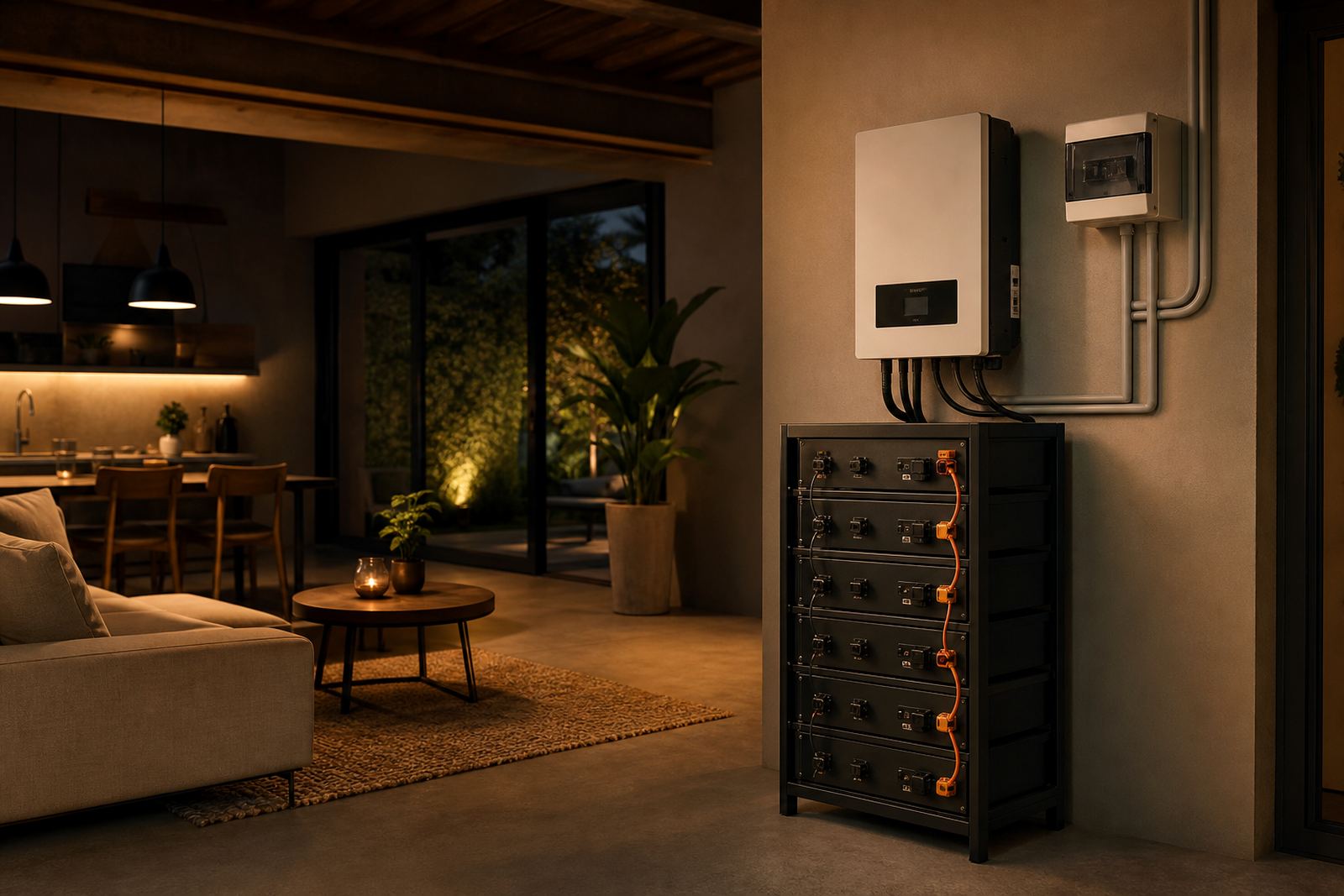
A working internet backup setup usually has four parts: solar panels, an inverter, batteries and correct electrical integration. The panels produce power during the day, the batteries store energy for night use or during outages, and the inverter manages the change from grid to backup supply. The installation must be done so the protected circuits are separated properly, with qualified installers handling the electrical work.
For a home in Midrand with a fibre line and two work-from-home users, the backup load may be modest. For a small office in Pretoria or Durban, the same setup can also support a network cabinet, a printer and several workstations. The exact design depends on what needs to stay on and for how long. That is why a site assessment matters before anything is fitted.
- Router and fibre terminal or ONT
- Wireless access points and small switches
- Laptop chargers and phone charging points
- CCTV recorder and selected cameras
- Point-of-sale equipment for small shops
In coastal areas such as Durban and Cape Town, equipment placement also matters because of humidity and salt air. Good cable routing, neat mounting and proper enclosure choices help reduce corrosion and nuisance faults over time.
Choosing the right size for routers and communication equipment
The biggest mistake is oversizing a backup system for internet only, then paying for more battery and panel capacity than is needed. The other mistake is going too small and finding out the batteries flatten before the evening call rush. The right answer sits in the middle, based on actual use and the hours you want covered.
If you only need internet, a modest setup can usually keep the connection alive for hours. If the same backup must also support a home office, small gate motor, alarm panel and a few lights, the design changes. Solar panels help recharge the batteries during the day, while battery size determines how long the equipment can keep running once the sun goes down.
Some clients ask for full-house backup, but for communication equipment a lighter circuit often gives better value. It can keep the most important devices online without adding unnecessary strain to the system. That approach is especially useful in Gauteng, where many homes and businesses want a practical solution for daily work, not a full off-grid setup.
- List the devices that must stay online first
- Check the combined running watts and start-up loads
- Decide how many hours of backup you need
- Allow for charging during the day if panels will be installed
- Leave space for future expansion if your business is growing
Why internet backup matters for small businesses
In a small business, a stable connection is not a luxury. It is how you send quotes, take payments, update stock and speak to customers. A power cut in Bloemfontein or Johannesburg can interrupt everything from online banking to delivery tracking. If your staff must keep working, losing internet for even an hour can create knock-on delays.
That is why many businesses now treat backup power for communication equipment as part of their basic operating setup. A receptionist, sales office or small workshop may not need heavy loads supported, but they do need the network to stay live. The same applies to home offices where a person works remotely and cannot afford to lose a meeting or upload because the router switched off.
We also see a lot of interest from shops, consultants and service businesses that need the card machine and order system to stay available. With the right design, a system can keep those devices going while the rest of the building remains on reduced use. The point is not to run everything, but to protect the tools that keep business moving.
Solar water heaters and internet backup can work side by side
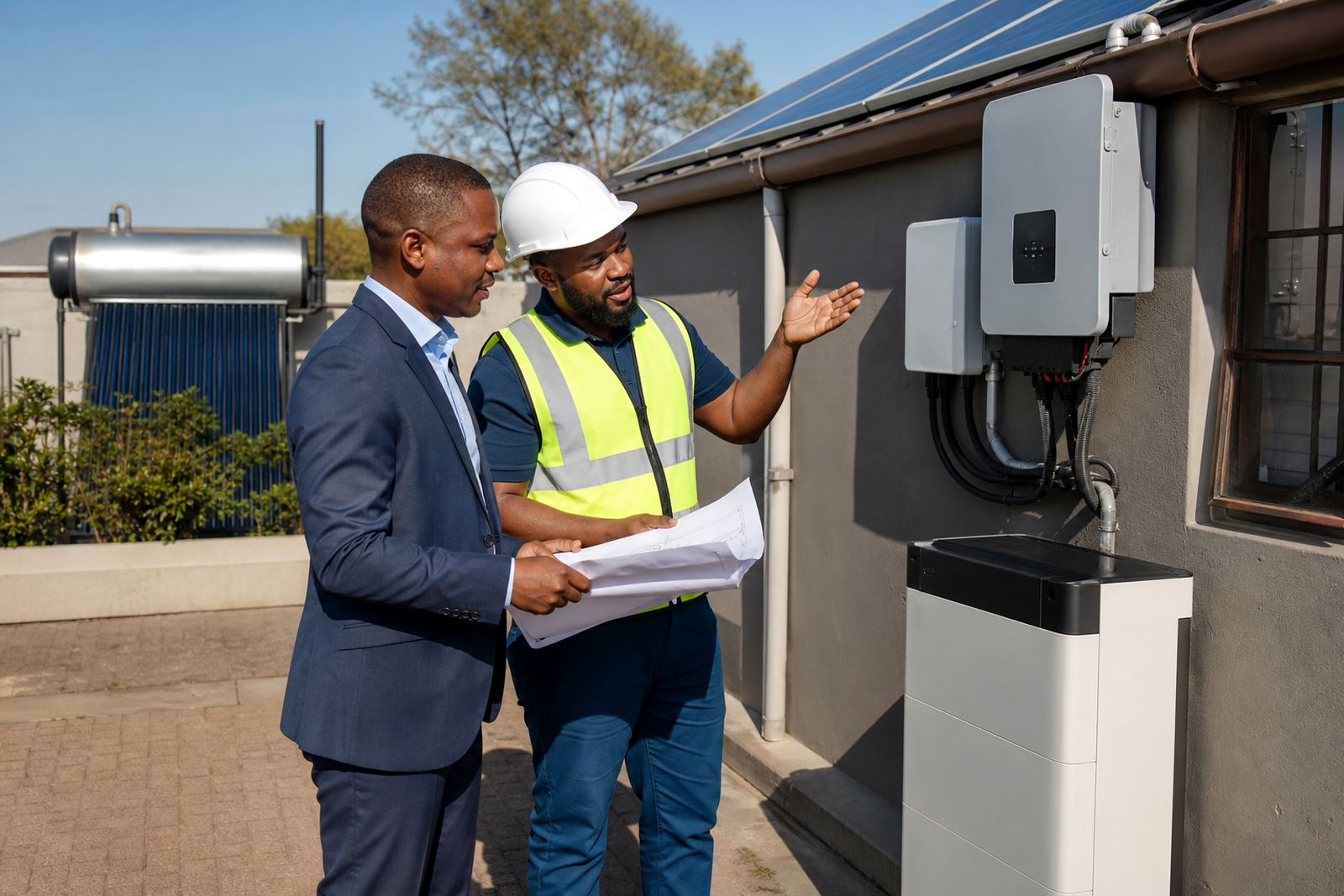
Some properties want more than just internet backup. They also want hot water support, especially where geyser costs and outage timing are a concern. Solar water heaters can reduce strain on the electrical system by shifting part of the hot water demand away from the grid. That leaves more available capacity for the inverter and batteries to support essential circuits.
This is useful on larger homes and small business premises where the available electrical supply is tight. If a property in Centurion already has a few major loads, combining solar water heating with a focused backup system can make the whole setup more practical. It is not about adding everything at once. It is about choosing which parts of the property must keep going and which can wait until power returns.
Maintenance matters too. Panels should be kept clean, batteries checked, and the system tested so there are no surprises during the next outage. Dust, bird droppings and poor ventilation can all affect performance, and that applies whether the property is inland or near the coast.
A Pretoria example: keeping work moving during outages
Take a small office in Pretoria that relies on fibre internet for client calls, cloud files and card payments. The team does not need the whole building on backup, just the network gear, a few computers and charging points. A properly planned solar and battery system can keep that core load live through the usual outage periods, while the panels help recharge the batteries when the sun is up.
For most homes and small businesses, the outcome is more straightforward than it first sounds. Staff stay connected, client messages still go out, and there is no scramble to find a working hotspot or move the day to another venue. For a family home, the same idea can keep school tablets, phones and the Wi-Fi running without trying to back up every appliance in the house.
At Linuo Solar, we plan these systems around real usage and the property layout. That includes site assessments, system design, panel installation, inverter installation, battery installation, electrical integration, system commissioning and support callouts where needed. If there is a fault later, fault finding and maintenance help keep the system working properly. The goal is practical backup, not guesswork.
For homeowners and small businesses across Pretoria, Centurion, Johannesburg, Midrand, Durban, Cape Town and Bloemfontein, internet backup is often the most useful first step into solar. It is small enough to be affordable, but important enough to make daily life easier when the power goes off.