
What an inverter alert is really telling you
An inverter alert is not always a major fault. In many cases it is the system letting you know that input power, battery state, load demand or temperature has moved outside the normal range. That can happen during load-shedding, after a heavy rainstorm, or when a home office, fridge and kettle all start up at once. In Pretoria and Centurion, we often see alarms after voltage dips on the municipal supply or when a battery bank has not had enough time to recharge.
The important thing is to read the alert, note when it appeared and check what else was happening at the time. Was the grid down, were you running a few high-draw appliances, or had the unit just switched back from battery mode? Those details help narrow down whether the issue is temporary or something that needs a site visit.
Low battery, overload and temperature warnings
Three of the most common alerts are low battery, overload and high temperature. A low battery warning usually means the batteries have been discharged more deeply than usual, or the charging period was too short. In winter, or after several cloudy days, this can happen faster than many households expect. An overload warning points to too much demand on the inverter at once. That might be a geyser, microwave, iron and pump all running together. A temperature warning can come from poor ventilation, dust build-up or the inverter being installed in a hot enclosed area.
- Low battery: reduce non-essential loads and allow the batteries to recharge fully.
- Overload: switch off heavy appliances and stagger usage.
- High temperature: check airflow around the unit and look for blocked vents.
If the same alert returns every day, the system may be undersized for the way it is being used. That is common in small businesses in Johannesburg where printers, computers and kettles are all on the same backup circuit.
Grid, charging and communication faults
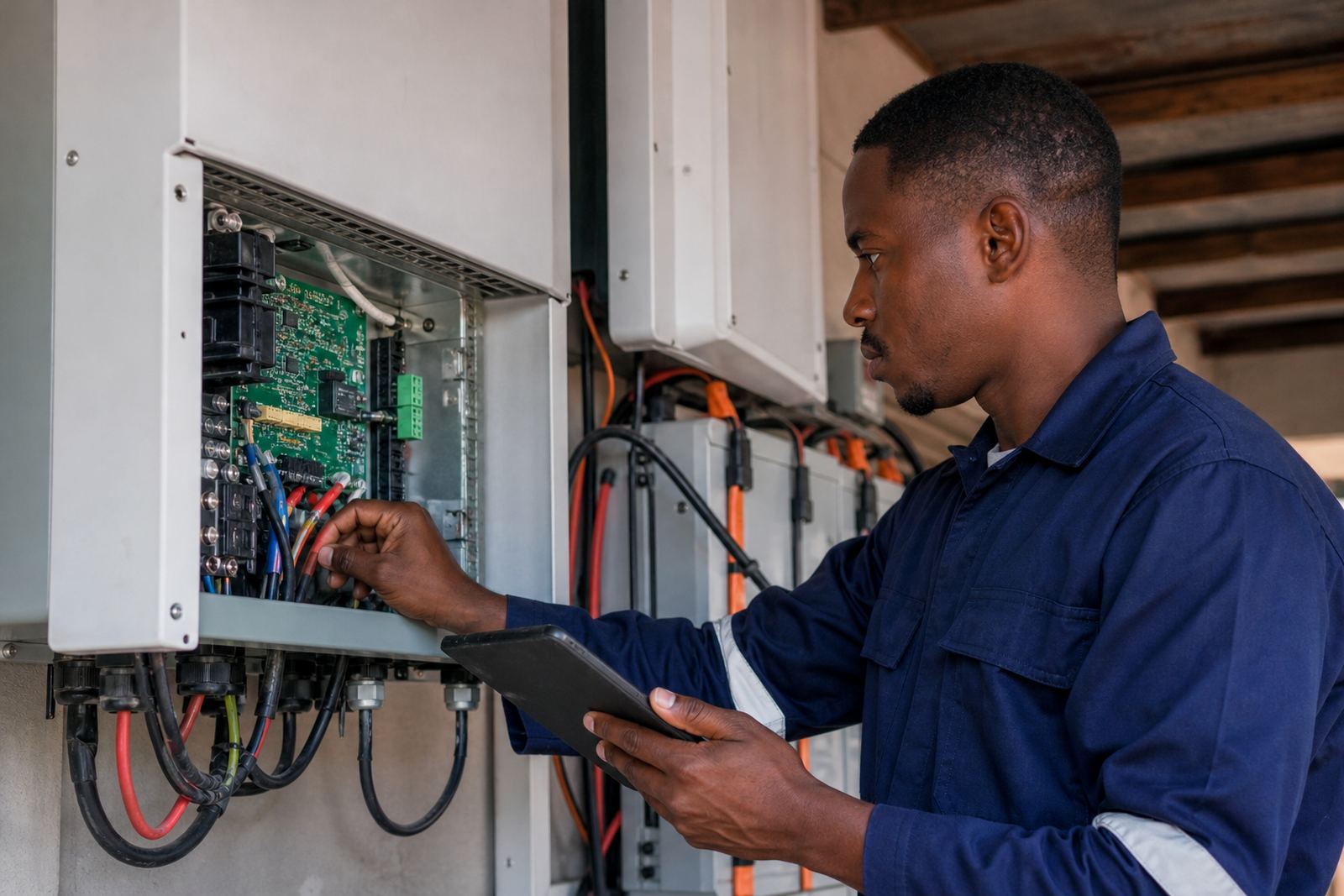
Some alerts are less about the battery and more about how the components are talking to each other. A grid fault notification may point to unstable incoming power, incorrect voltage, or a break in the supply path. A charging fault can mean the inverter is not getting what it needs from the panels or the utility feed. Communication alerts often show up when the inverter and batteries are not exchanging data properly, which can happen because of loose connections, a tripped breaker or damaged cabling.
These warnings should not be guessed at. Electrical work must be handled by qualified installers, especially where the inverter ties into the home or business distribution board. If a message appears after someone has added a new appliance or had electrical work done, mention that when you request support. It saves time and helps the technician test the right points first.
- Check whether the alert started after a power outage.
- Confirm if any breakers have tripped.
- Look for signs of loose wiring, heat damage or corrosion.
What to check before you request support
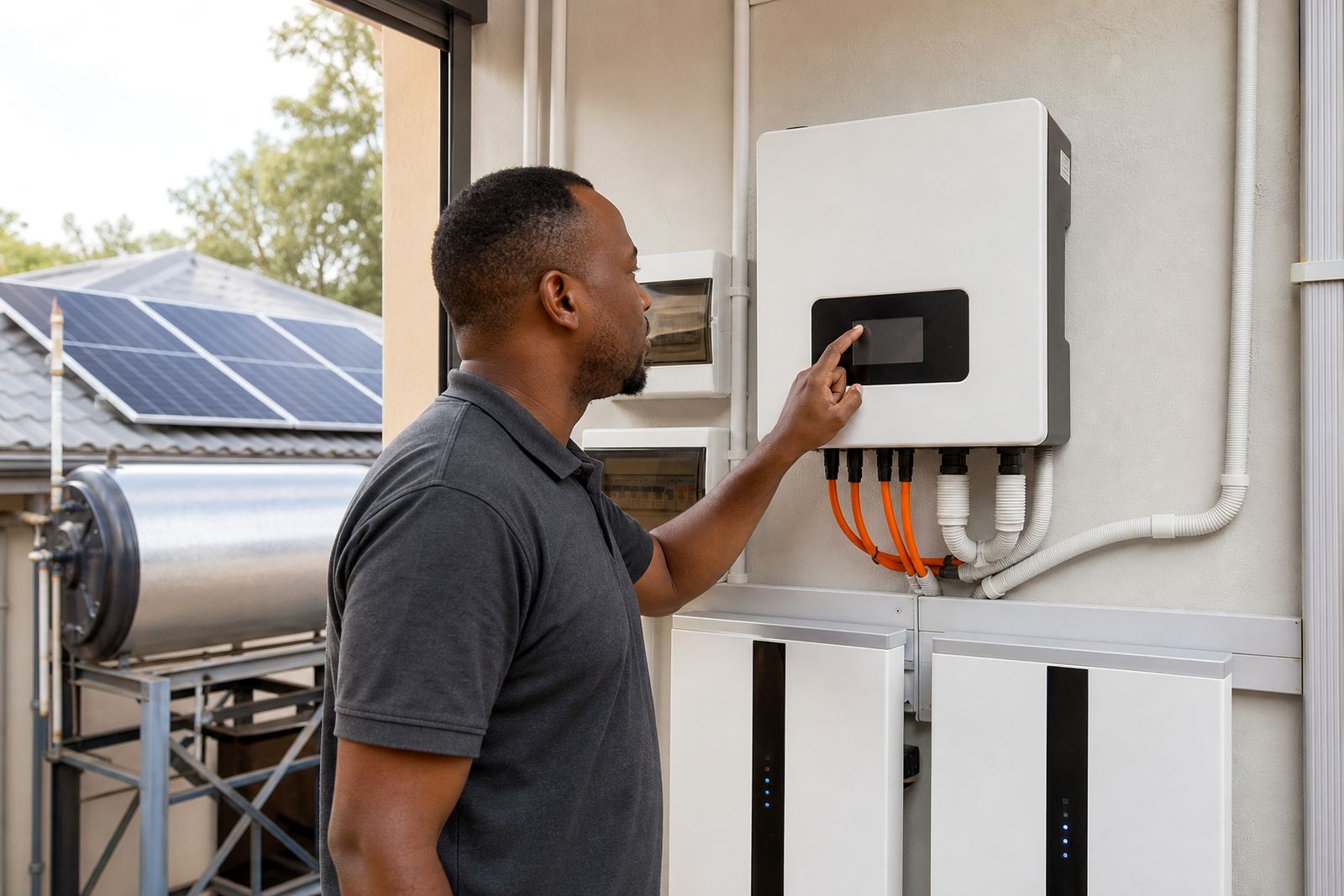
Before you log a callout, there are a few safe checks you can do without opening covers or touching live parts. First, note the exact alert text or symbol on the screen. Then check whether the display is active, whether the batteries are charging, and whether the house or office is still getting power on the backed-up circuits. If the system is in a coastal area such as Durban or Cape Town, also look for moisture, salty dust or corrosion around exposed fittings, because humidity can affect terminals and cable connections over time.
It also helps to think about recent changes. New appliances, extra plugs on the backup side, a moved geyser, or a change in how often heavy equipment runs can all trigger alerts. If the system has not been serviced for a while, dust on vents and terminals can become part of the problem too. A quick note on these details makes fault finding much faster.
When an inverter alert needs urgent attention
Some alerts can wait until business hours, but others need quicker action. If you smell burning, hear repeated clicking, see smoke, or notice a breaker that keeps tripping, switch off the affected circuit if it is safe to do so and request support immediately. The same applies if the inverter is hot to the touch, the batteries are swelling, or the system keeps cutting in and out with no clear reason. In a small business in Bloemfontein, that might mean stopping backup supply to a till point before the issue spreads to other equipment.
Do not keep resetting a fault over and over. Repeated resets can hide the real cause and put more strain on the system. It is better to record the alert, leave the unit as it is and let a technician inspect the batteries, cabling, protection devices and load balance.
- Burning smell or visible heat damage
- Repeated tripping or shut-downs
- Battery swelling, leakage or unusual noise
How our team handles inverter fault finding
At Linuo Solar, our support starts with the basics: system history, alert code, usage pattern and site conditions. From there, our team checks whether the issue sits with the inverter settings, battery condition, cabling, load demand or the electrical integration. Our base is in Centurion, Pretoria and we support homes and small businesses across Pretoria, Johannesburg, Durban, Cape Town and Bloemfontein. That includes site assessments, inverter installation, battery installation, electrical integration, system commissioning, solar maintenance, fault finding and support callouts.
Vuyo Phasha leads the business, with Naledi Kgosi overseeing operations, Sarel Delport on senior installations, Palesa Mabena coordinating projects, Mothusi Mphahlele handling technical support, Faatimah Latief managing customer care, and Unathi Tau specialising in solar water heating. If your inverter alerts are becoming regular, the best next step is to send an enquiry through the contact page so the team can schedule a proper check and advise on the safest fix.